Simeon, your AI assistant: programmes, bookings, check-ins, nutrition and payments
Since launch, Simeon has learned to handle your schedule, check-ins, client nutrition and payments. You say what you want to do, it prepares, you approve.
Short answer
Simeon is the AI assistant built into your coach workspace. It drafts and adjusts your programmes, spots clients who are dropping off, and handles your schedule, check-ins, client nutrition and, on Business, your payments. Every change comes as a card you review and approve before it’s applied. It’s included in the Pro and Business plans and during the trial.
Lina can’t train on Thursdays anymore. Her programme needs to go from four sessions to three, her Thursday booking has to move, and you want to check how many sessions are left on her pack. When Simeon launched on 11 November, it could help with the first part. Today, you can ask for all three in the same conversation.
What Simeon can do today
Simeon reads what’s happening in your coach workspace and prepares the changes you ask for. Here’s what you can hand over.
Your programmes
Start from scratch, work with a programme in your library or make a copy for one client. Simeon lays out weeks and sessions, swaps exercises, adjusts sets, reps, loads, RPE or rest times, sets up supersets and adds exercises to your library. It also sets a client’s running profile (VMA, max heart rate, zones), and can read their week to tell you how their last session went.
For a first programme, try asking:
“Prepare a six-week strength programme with three 45-minute sessions a week. Use exercises from my library and include sets, reps and rest times.”
Simeon shows you a proposal in the conversation, and you can ask for changes before approving it. Once the programme is saved, ask Simeon to prepare the assignment: you choose the client and the start date, then approve that step separately.
Client follow-up
Ask “Who’s dropping off?” and Simeon groups your quiet clients by situation, with their next booking, their programme and, on Business, what they owe you. “What’s new?” sums up what happened since your last conversation with it (sessions done, check-ins received, bookings made or cancelled), then what needs you today.
For one client, ask it to review their progress: over two, four or eight weeks, it sums up attendance, effort ratings and how loads have moved, then suggests a message to send them. It also keeps your weekly review up to date by marking the clients you’ve reviewed.
It also prepares invitations (with a programme or a coaching setup), ending or resuming coaching, offering autonomy (and accepting a client who asks to come back), a note of encouragement, an announcement to your clients or a review request. And if you’ve just called a client, it can log the conversation on their profile.
Your schedule
“Who am I seeing tomorrow?” Simeon reads your schedule, books a session, moves it or cancels it. It also adjusts your availability: a new Tuesday evening slot, a blocked Friday afternoon, a week off.
Check-ins
Ask Simeon to send a client a check-in, cancel it or set the schedule: “check-ins every Sunday for everyone”, “every two weeks for Léa”. Simeon sees the dates and statuses of check-ins, never the answers.
It also creates and edits your check-in templates (“add a sleep question to my weekly check-in”), sends a template to a client and manages your coaching setups: starting check-in, check-in rhythm and programme, to apply to a client or attach to an invitation. For measurements, it prepares a card where you enter the values yourself: they never go through the AI.
Nutrition
Simeon adjusts a client’s targets (“put Tom on 2 g of protein per kilo”) or applies one of your templates. It edits a meal plan line by line: add a food, change a quantity, insert a meal template, give one client the same plan as another. It also creates your own foods, with values per 100 g or per serving, and manages supplements and habits. Targets are calculated by the app from your request, just like in the calculator.
Payments (Business plan)
“Who owes me money?” Simeon finds pending and overdue payments. It can record an amount due, mark a payment as received, set up a monthly payment, create a session pack or deduct a session. Each card tells you what your client will receive (email, notification) before you approve it.
Your business
It can also approve a session you ran together, reply to a client’s exercise video (you watch it right on the card and dictate your reply), create or edit a service, reply to a review, update your public profile (headline, specialities, locations) or change a setting, such as your account language.
You decide what changes
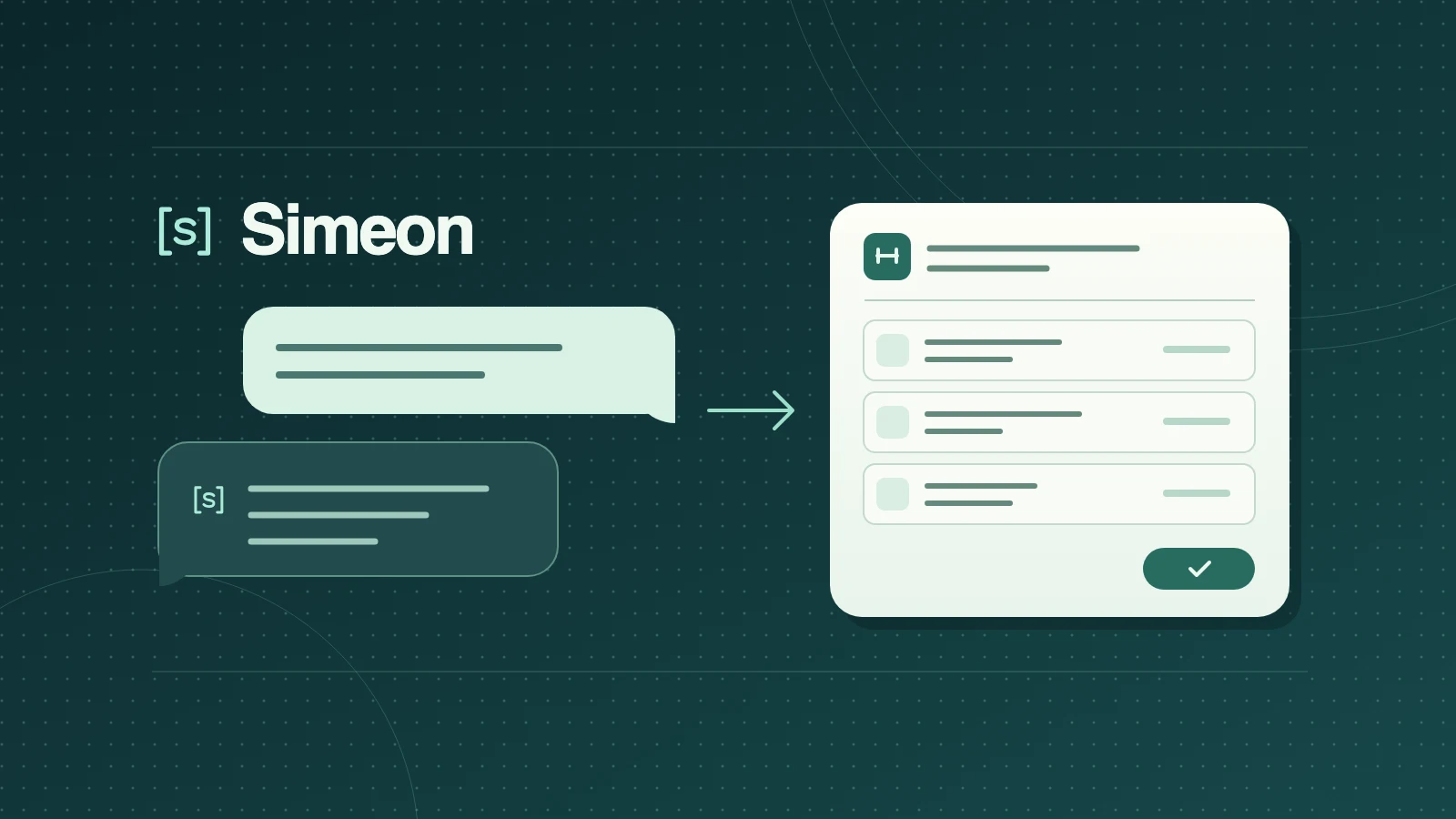
Simeon does nothing you couldn’t do yourself in Adhérence. Every change comes as a card: you see what will change and what your client will receive, you can ask for corrections, and nothing is applied until you click. If you ask to change a client’s programme and others are following it too, Simeon asks whether to update the shared programme or prepare a copy for that client.
Some things deliberately stay on your screens: your bank details, your files (photos, logo) and setting up online payments. Simeon tells you where to find them.
You can also give it your working instructions once, such as your units or how you like to programme: it uses them in every conversation. And when you open it from a client’s page, it knows who you mean.
What Simeon sees about your clients
Simeon relies on an AI provider (Anthropic). Check-in answers, weight, measurements, photos, videos, food logs and your private notes are never sent to it. Clients can opt their training data out of AI tools from their profile. Conversations are deleted 90 days after their last message. Just avoid writing health information about your clients in your messages. The details are in the privacy policy.
Where to find Simeon
Simeon is included in the Pro and Business plans and during the 14-day trial; payments require the Business plan. It’s switched on automatically for your account, from sign-up if you start a trial. You’ll find it in the header of your coach workspace; on mobile, look for the [s] mark. You can turn it off at any time in your settings.
We keep adding the things you do every day in Adhérence. The idea stays the same: start with what you want to do for a client without first finding the right screen. Simeon gets the next step ready, and you decide what gets applied.
Sources
- Privacy policy: the coach AI assistant · Adhérence
- Terms of use: AI tools · Adhérence
Keep reading
Two related guides for turning an observation into a sustainable tracking method.