Online booking for personal trainers: how to organise appointments
Services, availability, locations and reminders: build a booking journey clients can understand.
Short answer
To organise online booking as a personal trainer, define clear services and realistic availability. Check the confirmation, time and location, then explain the change process. Distinguish a booked appointment from independent training and actual attendance before updating the client’s follow-up.
“Are you available on Thursday?” “Friday would work better.” “What time?” Booking one session can occupy an entire conversation before an independent trainer even discusses the coaching itself. Online booking becomes useful when it presents an understandable service, genuinely available slots and a confirmation the client knows how to find.
This guide explains how to organise that journey and prepare for appointment changes. It concerns everyday operations rather than promising that a calendar will eliminate every forgotten session. All examples of times and messages are fictional and should be adapted to your own coaching service.
What should you define before opening bookings?
Start with the service: what is the person booking, for how long and in which format? An initial assessment, a supervised workout and a follow-up conversation serve different purposes. Clients should be able to choose without asking you to translate every service label.
Clarify the location or how it will be confirmed. If you work in several gyms, an available time alone does not make the appointment clear. Account for travel and preparation between clients before offering the slot, rather than correcting the schedule after people have booked.
Distinguish independent training from appointments with you as well. The programme calendar describes planned training; the booking calendar organises accompanied time. This prevents clients from assuming that a scheduled workout automatically includes your presence.
The initial consultation guide helps clarify the first meeting. Give each service a practical purpose, such as identifying constraints or reviewing programme instructions, without presenting it as a certain physical outcome.
How can you publish availability you can actually honour?
Begin with fixed constraints: workplace, travel, breaks and other obligations. Then open the periods you want to offer clients. A wide availability grid is not necessarily helpful if several appointments will need moving after reservation because the underlying schedule was unrealistic.
In a fictional example, a trainer works in two gyms some distance apart. She groups appointments at one location into a coherent period and keeps the journey in her own schedule. The objective is dependable availability rather than filling every displayed minute with another client.
Allow for work that is invisible in the calendar: preparation, reading logged workouts and programme adjustments. The guide to calculating coaching capacity develops this point. Selling an appointment does not remove the work required before and after it.
A booking may represent a request or a confirmed appointment depending on its status. Before organising your day around it or asking a client to travel, check that the expected confirmation is present.
Which information should an appointment confirmation make clear?
A usable confirmation answers five questions: which service, which day, what time, where and what preparation? Include the change process communicated to the client instead of asking them to locate a rule in an old conversation when something unexpected happens.
Use the location intended for that particular appointment. A general address on your profile may not be enough when some sessions happen at home or in another venue. A location change deserves explicit communication even when the time stays the same.
- Information
- Service
- Client’s question
- What have I booked?
- Coach’s check
- The label matches the intended service
- Information
- Date and time
- Client’s question
- When should I attend?
- Coach’s check
- The appointment has the correct status
- Information
- Location or format
- Client’s question
- Where does the session take place?
- Coach’s check
- The appointment location is confirmed
- Information
- Preparation
- Client’s question
- What should I bring or read?
- Coach’s check
- The message is short and useful
- Information
- Changes
- Client’s question
- How do I report that I cannot attend?
- Coach’s check
- The channel and arrangements are known
| Information | Client’s question | Coach’s check |
|---|---|---|
| Service | What have I booked? | The label matches the intended service |
| Date and time | When should I attend? | The appointment has the correct status |
| Location or format | Where does the session take place? | The appointment location is confirmed |
| Preparation | What should I bring or read? | The message is short and useful |
| Changes | How do I report that I cannot attend? | The channel and arrangements are known |
A useful message could say: “Your assessment is confirmed for Friday at 6 pm at the studio listed in the appointment. Please review the agreed questionnaire. If you need to change the slot, use the process we discussed and contact me according to your coaching arrangements.” Replace every detail with real information.
How can you use reminders without multiplying messages?
A reminder should help someone retrieve a booking, not compensate for an incomplete confirmation. A date, location and understandable next step matter more than repeated identical notifications. Check what the client receives and through which channel before assuming that the information is clear.
Avoid manual reminders that contradict the calendar. If an appointment changes, work from its current version. When you use several tools, identify which one carries the reference time and check for duplicates before contacting the person with another update.
For a client who repeatedly forgets, ask what makes the arrangement difficult to follow. A slot incompatible with work or unclear location information may require an adaptation. Another notification does not consistently solve that underlying issue or make an unsuitable schedule realistic.
Tools can support the routine, but follow-up remains a conversation. Limit the information requested to what is useful, in line with the CNIL’s data minimisation principle.
What should you do when a client cancels or misses an appointment?
First distinguish rescheduling, cancellation and non-attendance. They affect your calendar and any session pack differently. Retrieve the arrangements communicated to the client before deciding on a payment consequence or a change to the session balance.
A straightforward reply could clarify the situation: “I see that you need to move our appointment. Let’s check the available slots and the arrangements we agreed for this change.” That addresses the case without inventing a different rule in response to frustration.
After handling it, check the new appointment status and the session credit when relevant. Avoid correcting the same operation both through the calendar and manually without checking what the tool has already done. The guide to session pack management explains that distinction.
If non-attendance repeats, discuss whether the format remains workable. Does the client need another time, fewer accompanied sessions or hybrid coaching? The client tracking indicators guide places appointments within the wider coaching relationship rather than interpreting them alone.
How does online booking work in Adhérence?
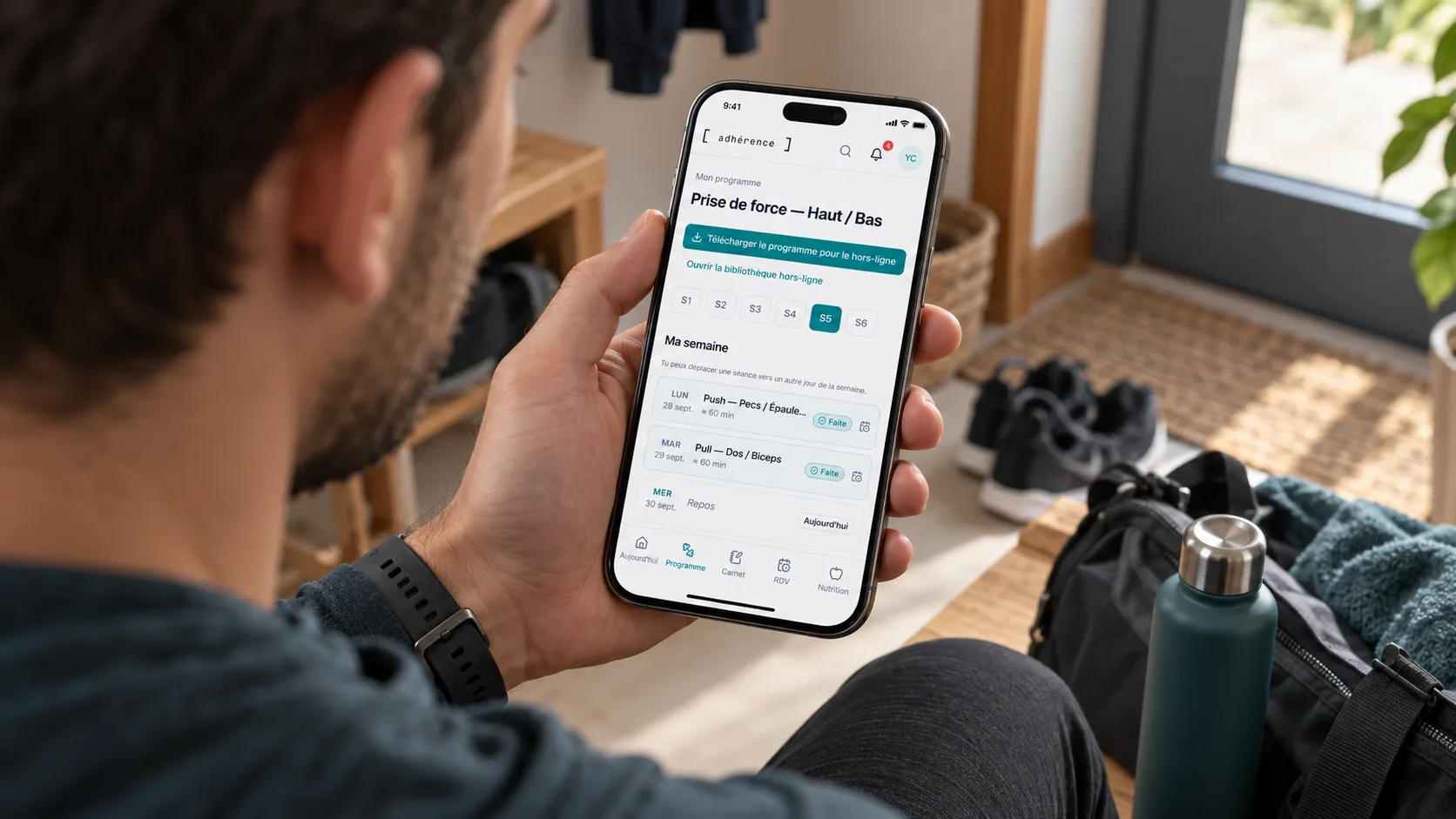
Pro includes a calendar and online booking with reminders. Coaches prepare their services and availability; their public page lets someone discover the coaching and enter the reservation journey. That page represents one coach rather than a general directory of professionals.
The location and client message attached to an appointment support preparation. Check the information for the specific booking, especially when you work in several venues. The client should know where to find the confirmed time and the instructions intended for them.
Payment tracking and session packs belong to Business. Card payment depends on account activation: Stripe Checkout documentation describes Stripe’s hosted experience without establishing its availability for every Adhérence account. Check the current plans before choosing your payment workflow.
Do not assume that Google Calendar synchronisation is active in Adhérence. If you maintain another calendar, organise your own availability checks. The personal trainer software page presents complementary features for connecting appointment organisation with client follow-up.
How should you test the journey before sharing your link?
Read the page as a new client: can you understand the service, identify the location, select a slot and find the confirmation afterwards? Test a change scenario too. The point is to verify understood information rather than merely prove that a button can be clicked.
- Services have understandable labels.
- Availability allows for travel and follow-up work.
- The appointment location is clear or explicitly confirmed.
- The client distinguishes requests, confirmations and any payment step.
- Change arrangements have been communicated.
- Information is readable from a phone.
Ask a client to explain their next step in their own words when introducing the process. An uncertain answer can reveal a label or instruction that feels obvious to you but is unfamiliar to someone joining the service for the first time.
Frequently asked questions about personal trainer booking
Should you open every slot to fill the calendar faster?
Open periods you can genuinely honour. Preserve time for preparation, travel and client reviews so that reservations remain compatible with the coaching service you have agreed to deliver.
Is a reminder enough to prevent a missed appointment?
It helps someone find the information but does not remove their constraints. When the problem repeats, check the time, location and feasibility of the arrangement rather than only increasing the number of notifications.
Does a booked workout prove that training happened?
No. A reservation organises an appointment. Attendance, completed work and logged values answer other follow-up questions and should be interpreted separately when you prepare the next coaching review.
Key takeaways
Online booking helps when the service, availability and confirmation are clear. Prepare for changes, check statuses and connect appointments with real client follow-up. A dependable calendar provides a structure; it does not replace discussing what makes the training arrangement workable.
Sources
- The six core GDPR principles · CNIL
- Stripe Checkout: hosted payment experience · Stripe Documentation
- Adhérence plans and features · Adhérence
Keep reading
Two related guides for turning an observation into a sustainable tracking method.